 |
TalkLock™ - Touch Screen Lock - Version 1.2.3BlackBerry® Touch Screen Device Users, are you: Annoyed by the BlackBerry touch screen remaining active during a call? Frustrated with accidental screen presses muting your phone call or activating programs while you talk? 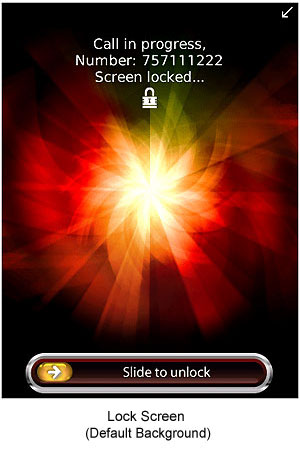
CellAvant has the answer... TalkLock™. This simple, easy to use application automatically activates when you're on a call and prevents unwanted interruptions. When the call ends, TalkLock releases control of the screen until your next call. You can unlock the screen at any time during a call simply by swiping your finger across the slider from left to right. All you have to do is install it and forget about it. Purchasing TalkLock...
Features...
Utility Information...
Requirements...
More Information... |


